Nintendo Switch Online lets GameCube players turn off borders
Nintendo added a border toggle to the GameCube Classics app on Switch Online, ending a visual annoyance that dates back to the 2018 launch.
AIXVZ
AI agents that sell for you. AIXVZ builds sales agents and automates routine business processes — from first contact to deal.
Learn more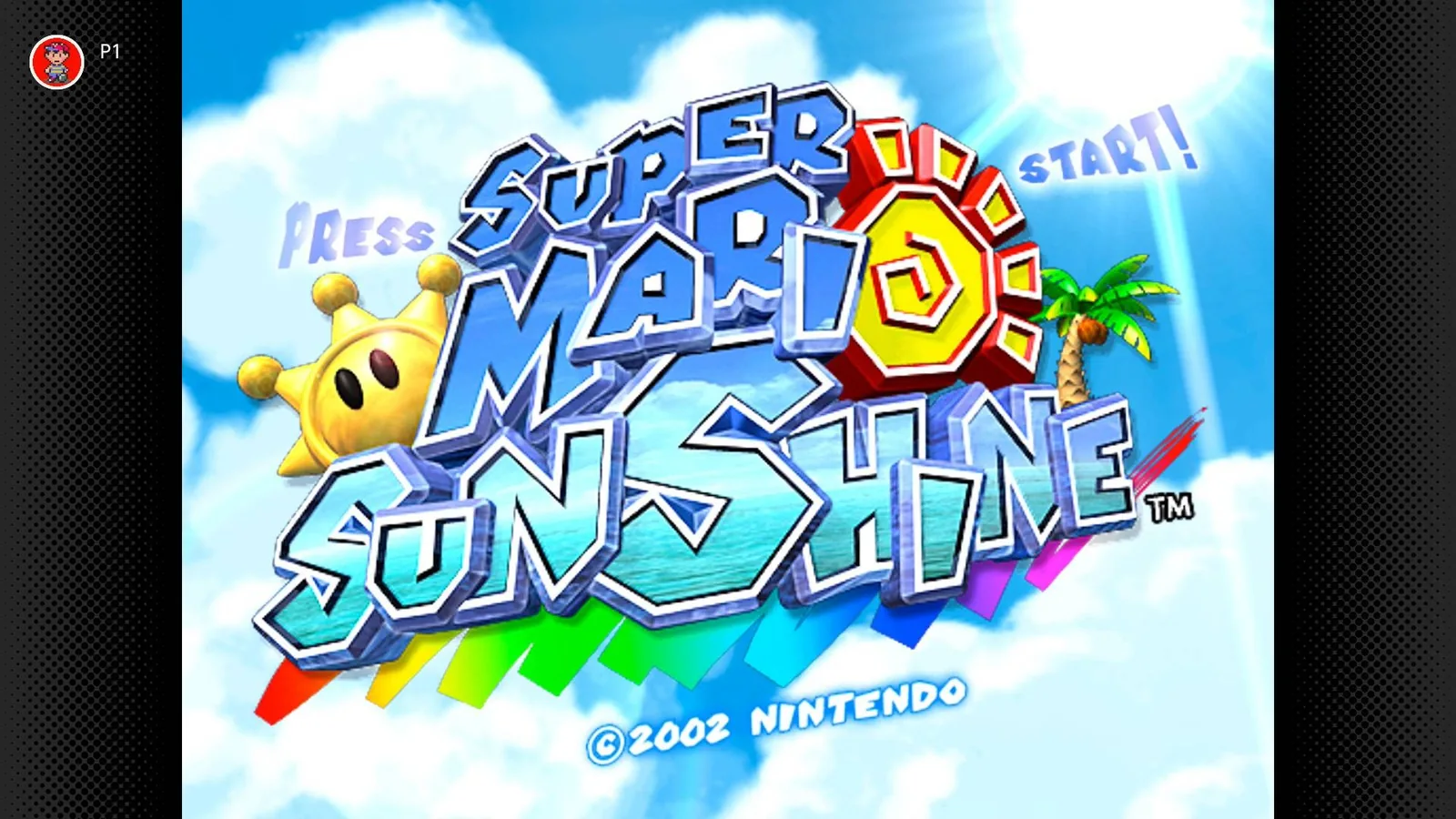
Nintendo has added a long-requested display option to Nintendo Switch Online, allowing players to turn off border graphics in GameCube games. The toggle arrives inside the Nintendo GameCube - Nintendo Classics app and ends a complaint that has persisted since the subscription service launched in 2018. For players who found the frames distracting, the change directly affects how classic titles look on screen.
Where the toggle lives and what changes
The option is located under Extra Elements Display in the settings of the GameCube app, where a Border graphics entry can now be switched on or off at any point. With borders on, artwork fills the area around the game image; with borders off, that surrounding artwork disappears and leaves a cleaner picture. The report includes a direct comparison of the two modes to show the difference. The control can be changed during play, so players do not need to restart the app or select a different game to test it.
The border issue was not limited to GameCube titles. Since 2018, fans have noted the same forced frames in the NES, SNES and N64 apps offered through Switch Online, with no way to disable them. Nintendo has so far introduced the switch only for Nintendo GameCube - Nintendo Classics, while the older apps remain unchanged. The report notes that expansion to the other classic apps looks likely, but Nintendo has not confirmed a date. The update coincides with the addition of Wave Race: Blue Storm to the GameCube library today.
What the cleaner screen means for players
For players on larger televisions and handheld screens, removing the border reduces visual clutter around the central image and keeps attention on gameplay. That matters most for people sensitive to distractions, for capture and screenshots, and for those who prefer the original full-screen presentation. The adjustment costs nothing extra and requires no new hardware, since it is part of the existing Switch Online GameCube app. Players who liked the decorative frames can simply leave the setting enabled and see no difference.
The story does not show a wider redesign of Switch Online or a change to pricing and membership tiers. Even with borders disabled, the Nintendo Switch Online icon remains visible on screen, so the display is not completely free of overlays. The option also currently applies only to GameCube games, meaning NES, SNES and N64 players are not affected yet. Availability beyond Wave Race: Blue Storm and future rollout plans remain unconfirmed.
// Read next
FBC: Firebreak Is Free With $1 Charity Bundle on Green Man Gaming
Green Man Gaming adds Remedy's co-op shooter FBC: Firebreak to three charity bundles, with the cheapest entry tier pric…
Xbox Elite Series 3 Leak Shows Batteries, RGB and New Controls
A new Reddit video shows the unannounced Xbox Elite Series 3 with swappable batteries, RGB lighting and dual volume whe…
Leaked GTA 6 settings put PS5 and Xbox Series X on equal footing
A data miner leak suggests standard PS5 and Xbox Series X share identical GTA 6 graphics settings, while PS5 Pro leads …
Nintendo Switch 2 Cyber Monday deals hold from $499 bundles
Amazon, Best Buy and GameStop carry Black Friday pricing into Cyber Monday, with Switch 2 bundles from $499 and record-…