Fortnite on Steam Deck runs free via Xbox Cloud Gaming in Edge
Fortnite is not native on Steam Deck, but Xbox Cloud Gaming streams it free in Edge with a Microsoft account and no Game Pass required.
AIXVZ
AI agents that sell for you. AIXVZ builds sales agents and automates routine business processes — from first contact to deal.
Learn more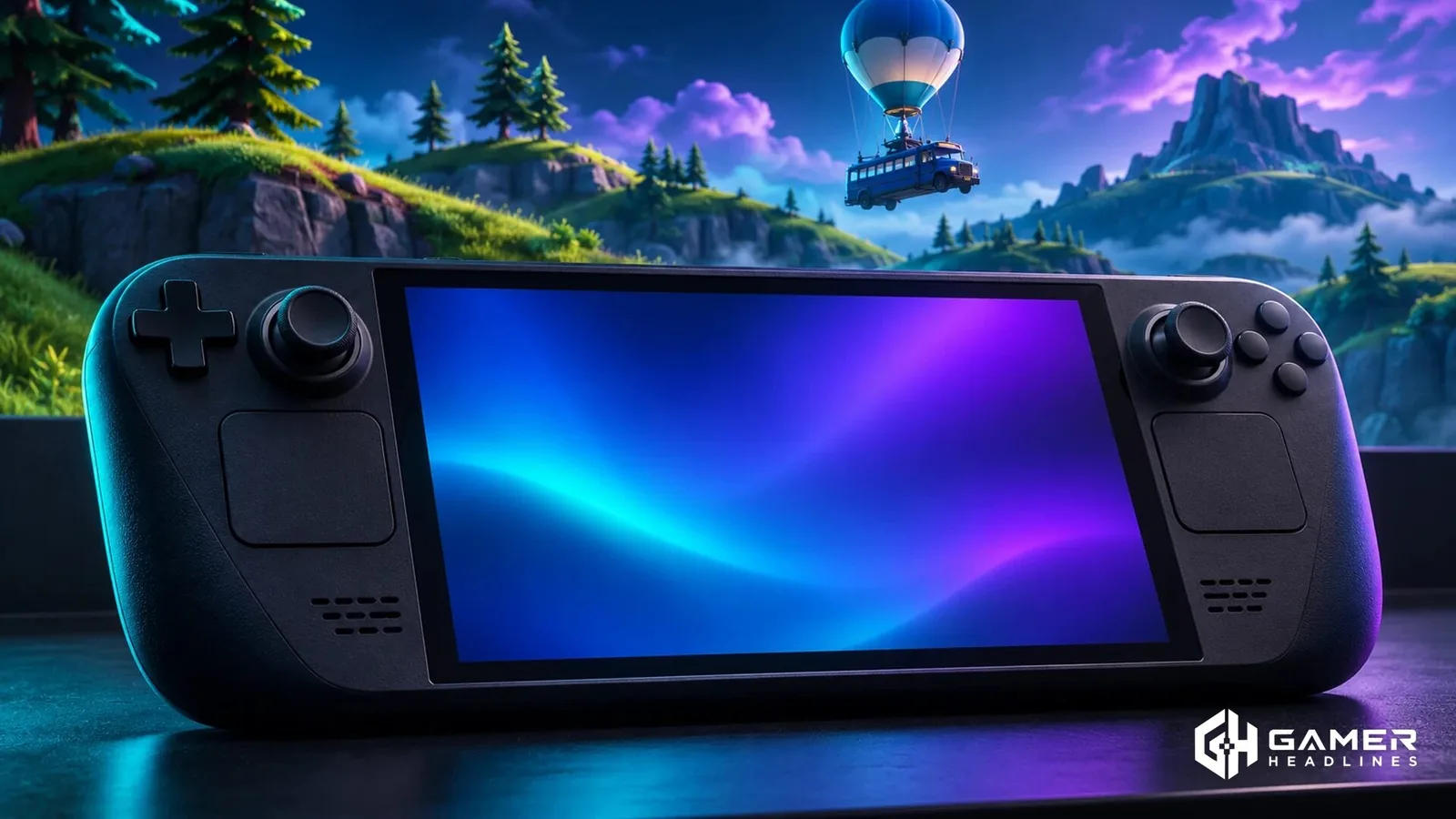
Steam Deck owners can play Fortnite for free by streaming it through Xbox Cloud Gaming inside Microsoft Edge, without an Xbox console or paid Game Pass subscription. The setup requires a free Microsoft account, a supported region and a stable internet connection. Xbox lists Fortnite Battle Royale as free with an ad-supported cloud option that carries session and monthly limits.
Edge install and Xbox Cloud Gaming setup
The method works in SteamOS Gaming Mode on Steam Deck LCD and OLED by adding a browser shortcut to Steam, while the game itself runs on Xbox servers. Installation starts in Desktop Mode by switching via Steam, Power and Switch to Desktop, then installing Microsoft Edge from Discover. The Edge entry under Internet is added to Steam through the desktop application launcher, with confirmation if Steam opens its app picker.
Edge then needs read-only access to device information for controller input, granted through Konsole with a Flatpak override command documented for the community-maintained Edge package. In the Steam desktop client, the Edge shortcut properties keep existing Launch Options and add window-size, device-scale-factor and kiosk flags pointing to the Xbox Play page, and the shortcut can be renamed Xbox Cloud Gaming. A Gamepad with Mouse Trackpad layout keeps sticks and buttons for the stream while the trackpad handles browser navigation.
Accounts, limits and what players should check
To start, the player returns to Gaming Mode, launches the shortcut from the Non-Steam library section, signs in, selects Fortnite and presses Play, using the trackpad, touch screen and Steam plus X for typing. Players with existing progress should check which Microsoft and Epic accounts they normally use before signing in or changing account links, then confirm their Locker. A compatible dock or adapter allows TV output, and Microsoft does not provide official Edge support on SteamOS.
Offline play is not possible because Xbox Cloud Gaming requires a connection to start and run the stream. The cloud terms, regional availability and ad-supported limits shown for each account still apply, and control or streaming problems need to be checked against the Xbox Fortnite store listing and cloud terms. The route preserves existing Fortnite progress only when the correct linked accounts are used.
// Read next
FBC: Firebreak Is Free With $1 Charity Bundle on Green Man Gaming
Green Man Gaming adds Remedy's co-op shooter FBC: Firebreak to three charity bundles, with the cheapest entry tier pric…
Xbox Elite Series 3 Leak Shows Batteries, RGB and New Controls
A new Reddit video shows the unannounced Xbox Elite Series 3 with swappable batteries, RGB lighting and dual volume whe…
Leaked GTA 6 settings put PS5 and Xbox Series X on equal footing
A data miner leak suggests standard PS5 and Xbox Series X share identical GTA 6 graphics settings, while PS5 Pro leads …
Nintendo Switch 2 Cyber Monday deals hold from $499 bundles
Amazon, Best Buy and GameStop carry Black Friday pricing into Cyber Monday, with Switch 2 bundles from $499 and record-…